

O Univer Vídeo é um streaming de vídeo diferenciado e eu tenho certeza que você nunca conheceu nenhum igual.
Somos referência quando se trata de qualidade, curadoria e conteúdos que fazem bem. Então, vou te ensinar como assinar o Univer Vídeo e tirar suas dúvidas sobre ele.
Mas, antes de aprender a como assinar o Univer Vídeo, você precisa entender o que é e por que assiná-lo.
O que é e por que assinar o Univer Vídeo?
O Univer Vídeo é o maior streaming de vídeo cristão do Brasil.
Quando você assinar o Univer Vídeo, terá acesso a mais de 10 mil horas de conteúdos na palma da sua mão, para se aproximar de Deus com filmes, séries, podcasts e transmissões ao vivo de qualidade.
Conteúdo que contribua na sua saúde mental, espiritual e qualidade de vida é o nosso foco. Filmes que acrescentam valores, ensinam sobre fé e trazem esperança no lugar daqueles que não tem sentido algum.
A preocupação do nosso time é que você tenha conteúdo seguro, sem ter medo com as crianças dentro de casa assistindo junto.
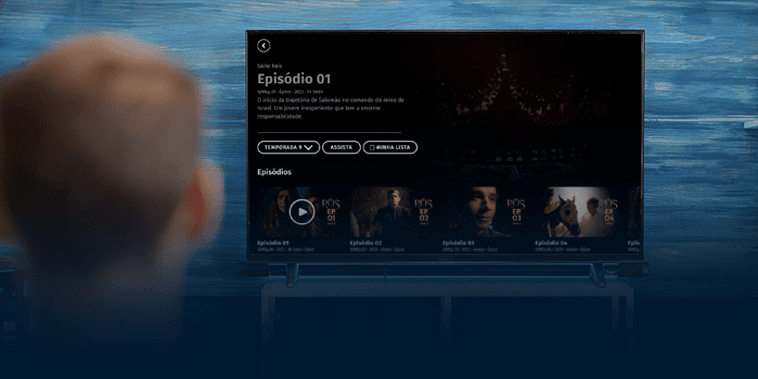
Inclusive, pensando nos pequenos, temos uma aba especial dentro da plataforma do Univer Vídeo: o Univer Kids, dedicada exclusivamente para eles. .
Como assinar o Univer Vídeo?
O primeiro passo para assinar o Univer Vídeo é fazer o cadastro em univervideo.com, colocar o e-mail que você utiliza e a senha que irá usar para entrar no Univer.
Mas atenção, só é possível fazer a assinatura pelo navegador de internet. Você não conseguirá assinar pelo aplicativo.
O segundo passo é colocar seu nome e sobrenome. Em seguida, você conseguirá visualizar as opções de planos de assinatura, para escolher a que fizer mais sentido para você e sua família.
Após isso, irá para o quarto passo, que é escolher a forma de pagamento. Atualmente, temos a função de pagamento via cartão de crédito e boleto bancário.
Se a sua opção for pelo boleto, irá escrever os dados solicitados e poderá gerar o código do boleto, para pagar virtualmente, ou imprimir e pagar fisicamente. Lembrando: O boleto demora de 3 a 4 dias úteis para ser compensado.
Caso sua escolha seja o cartão de crédito, você colocará os dados do seu cartão na plataforma, de forma segura e rápida, e terá o acesso imediato ao Univer Vídeo.
Com o pagamento efetuado, você será direcionado para a quinta e última tela, significando que o plano está ativo e você já pode assistir às mais de 10 mil horas de conteúdos do seu streaming favorito.
Ainda ficou com dúvidas?
Se você ainda ficou com dúvidas, mesmo lendo este informativo, assista ao vídeo abaixo e veja o passo a passo agora mesmo.

Teve problemas na hora de se cadastrar? Não se preocupe, você pode conversar com uma de nossas atendentes através de nossos canais de atendimento:
WhatsApp: (11) 5555-1383 Chat de atendimento no univervideo.com Horário de funcionamento: Segunda a sábado, 8h às 20h, exceto feriados.
Univer Vídeo, conteúdo que faz bem.