
Não há nada pior que depender de alguém para fazer algo por falta de conhecimento, não é mesmo?
A autonomia é um privilégio e hoje vou te ensinar como gerar o boleto do Univer Vídeo, sem precisar buscar ajuda de ninguém!
Antes de te ensinar o passo a passo, vou tirar sua dúvida sobre o que é um boleto bancário.
O boleto bancário é uma opção de pagamento, onde é emitido um código de barras para que o pagamento seja feito por ele. Essa modalidade pode ser física ou virtual.
O boleto é uma excelente alternativa para quem não tem cartão de crédito.
Como gerar um boleto no Univer Vídeo?
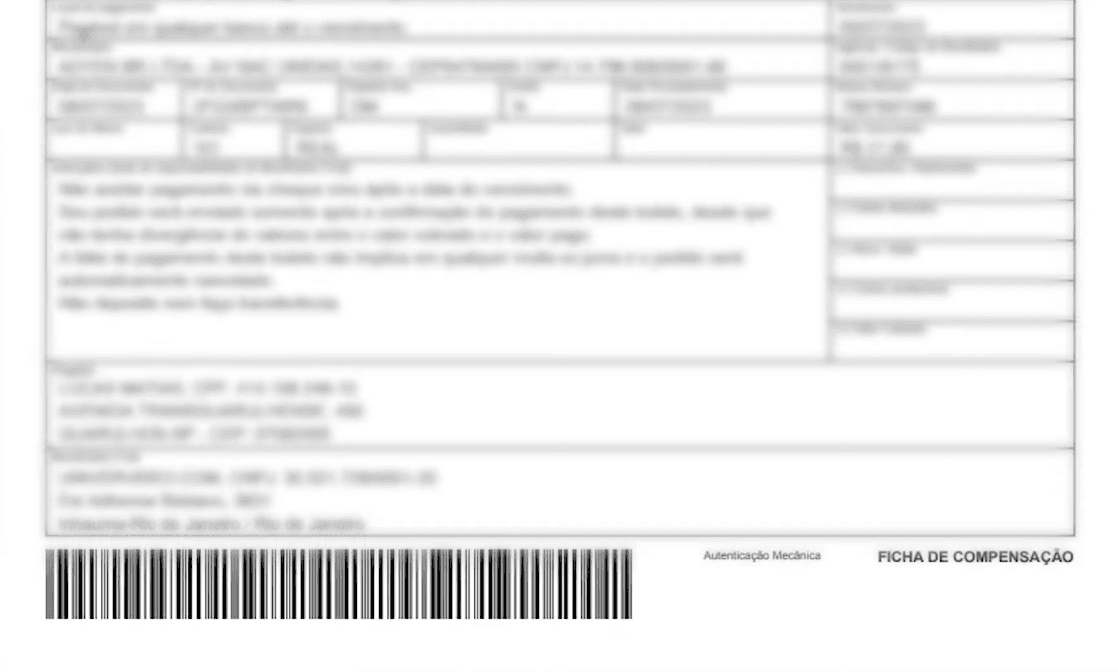
O boleto no Univer Vídeo é uma das opções para pagamento e uma das maiores dúvidas entre os assinantes é na hora de gerar o boleto do Univer Vídeo.
Leia atentamente o passo a passo abaixo, para que você consiga gerar o boleto no Univer Vídeo sem dificuldades:
- Acesse univervideo.com no seu navegador de internet;
- Faça o login em sua conta do Univer Vídeo;
- Quando entrar na página inicial do Univer (home), aparecerá a seguinte mensagem: “Que bom que você voltou”. Clique em “continuar”;
- Na próxima página, você poderá escolher o seu plano e a forma de pagamento. Ao escolher a opção de boleto, preencha os seus dados e no canto CEP não coloque com traço;
- Com os dados preenchidos, seu boleto será emitido com o código para copiar e colar ou baixar;
- Salve o boleto e pronto! Você acaba de gerar um novo boleto para sua assinatura Univer Vídeo e poderá fazer o pagamento dele.
IMPORTANTE: Para gerar um boleto, seu plano precisa estar vencido.
Ainda ficou em dúvida? Veja o vídeo tutorial que preparamos para te mostrar o passo a passo que acabou de receber.

Onde consigo pagar meu boleto?
Você tem diversas opções: casa lotérica, caixas eletrônicos ou até online, através do aplicativo do seu banco.
Paguei meu boleto do Univer Vídeo agora, já consigo acessar minha compra?
Não. Toda compra feita via boleto (é importante você saber que, não só o Univer Vídeo, mas em qualquer lugar) leva até três dias úteis para reconhecer que o pagamento foi efetuado.
Por isso, caso você tenha cartão de crédito, talvez seja essa a melhor opção para você, pois nesta modalidade o pagamento é validado com mais rapidez e você tem acesso às mais de 10 mil horas de conteúdos na mesma hora em que assinar.