
Você deve concordar que, muitas vezes, ser adulto também é sinônimo de pagar boletos. Água, luz, internet, telefone, gás, boleto do Univer Vídeo… são tantos que até perdemos a conta.
Mas, na correria do dia a dia, em alguns momentos de descuido, acabamos esquecendo de pagar um aqui ou outro ali. Fale a verdade, quem nunca esqueceu de pagar um boleto que atire a primeira pedra.
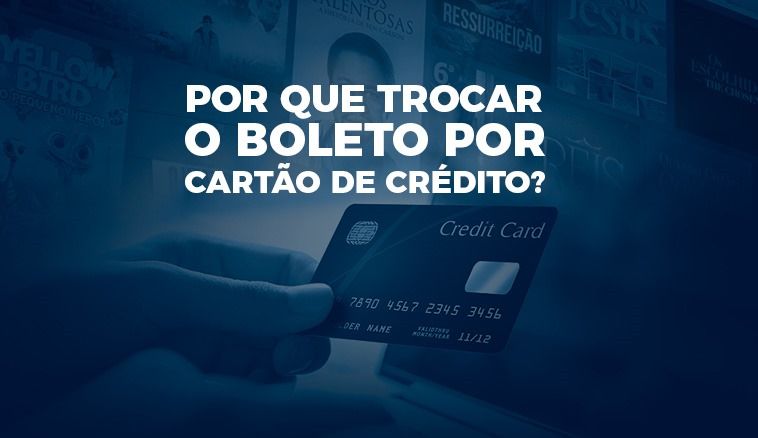
Nós sabemos que com a correria do dia a dia priorizamos a praticidade. Então, por que não optar por utilizar o cartão de crédito para fazer o pagamento de sua assinatura do Univer Vídeo?
Por que pagar com cartão é a melhor opção no Univer Vídeo?
Ao escolher o Univer Vídeo para sua experiência com o conteúdo que faz bem, a forma de pagamento desempenha um papel crucial na agilidade e conveniência do seu acesso.
Entre as opções disponíveis, o pagamento por cartão de crédito se destaca como a melhor escolha em comparação ao boleto, sendo muito mais cômodo e fácil. Veja só:
- Acesso imediato
Ao fazer o pagamento por cartão de crédito, seu acesso às mais de 10 mil horas de conteúdos do Univer Vídeo é liberado automaticamente.
- Renovação automática
A renovação automática é mais uma comodidade do pagamento via cartão de crédito, possibilitando maior tranquilidade por saber que sua assinatura será renovada, sem que você se preocupe.
- Maior comodidade
Com o cartão de crédito, é possível ter a comodidade de fazer o pagamento sem precisar imprimir boleto, copiar código de barras ou até mesmo ir ao banco realizar o pagamento. Tudo é feito diretamente do conforto do seu lar.
Como mudar a forma de pagamento no Univer Vídeo?
Agora que você já entendeu como é muito mais fácil e prático fazer o pagamento via cartão de crédito, vamos lhe auxiliar com o passo a passo para fazer essa mudança.
- Acesse www.univervideo.com pelo navegador de internet;
- Faça login em sua conta do Univer Vídeo;
- Na tela inicial, clique na engrenagem;
- Clique em “Planos”
- Em seguida, clique em “Gerenciar Planos”;
- Então, clique em “Alterar forma de pagamento ou trocar de plano”
- Depois, é só selecionar “Cartão de Crédito” e cadastrar os dados do seu cartão.
Caso precise de auxílio, nosso time de especialistas está à sua disposição por WhatsApp, telefone ou e-mail.
Não perca tempo: atualize sua forma de pagamento agora e comece a aproveitar todo o conteúdo do Univer Vídeo sem interrupções.